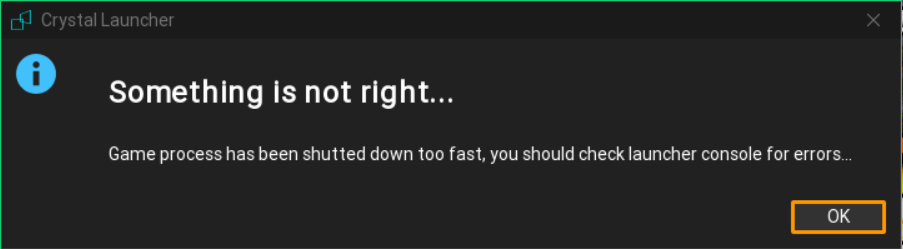
Looks like I have another aristois problem with crystal launcher. This time I really couldn’t launch the game. It always goes wrong. I tried launching Minecraft version 1.19.3 with aristois client and this is what happened.
Well, try installing it in a different way:
First off, go to the package browser by using the Browse packages button, choose the Vanilla 1.19.3 version and launch it at least once. Then go back to the package browser again and clone the pack with the Clone version button. Now in the file browser, choose the installer jar file downloaded from the Aristois website.
After installation, remember to change the Selected profile to 1.19.3-Aristois
where does the cloned version appear?
does it have be always latest version 1.19.3?
or just 1.19.3?
just 1.19.3
i cloned 1.19.3
it appeard in my installed local versions
how to put aristois in the cloned version?
click on “Run installer” button
run mod installer?
yep
and then i select the jar file or aristois?
yes
i did
and this appears
just click next